Read the whole set.
Every item tied to its sheet.
Pinpoint reads your drawings and specs, pulls the scope of work out by CSI division, and keeps every line tied to the sheet it came from — so you spend your time reviewing instead of re-reading.
How it works
01 · UPLOAD
Drop in the set
Upload drawings and specifications as PDFs. Pinpoint separates sheets from letter-size spec pages, reads every one, and remembers which file and page each came from.
Drawings & specs togetherSheet numbers preserved
DROP FILES
PDF42 sheets · 31.4 MB
PDF667 pages · 12.8 MB
PDF9 pages · 1.2 MB
42 drawing sheets
667 spec pages
Run scope667 spec pages
Running scope extraction0m 04s
Preparing documents9%
PREPARE
Pages read & indexed
EXTRACT
One agent per division
CORRELATE
Checked against specs
LOCATE
Pinned to sheets
Division agents0 of 35 complete
0304050607080910111213142122232526272831323334354041424344464801024448
12divisions286items7flagged91%located
02 · PROCESS
Watch the pipeline work
Pages are prepared and read, then a division agent works each CSI division in parallel. Their findings get correlated against the specifications, located back on the drawings, and consolidated into one scope.
PREPARE pages flattened, read, and indexed
EXTRACT one agent per division, run at once
CORRELATE drawings checked against the specs
LOCATE each item pinned to its sheet
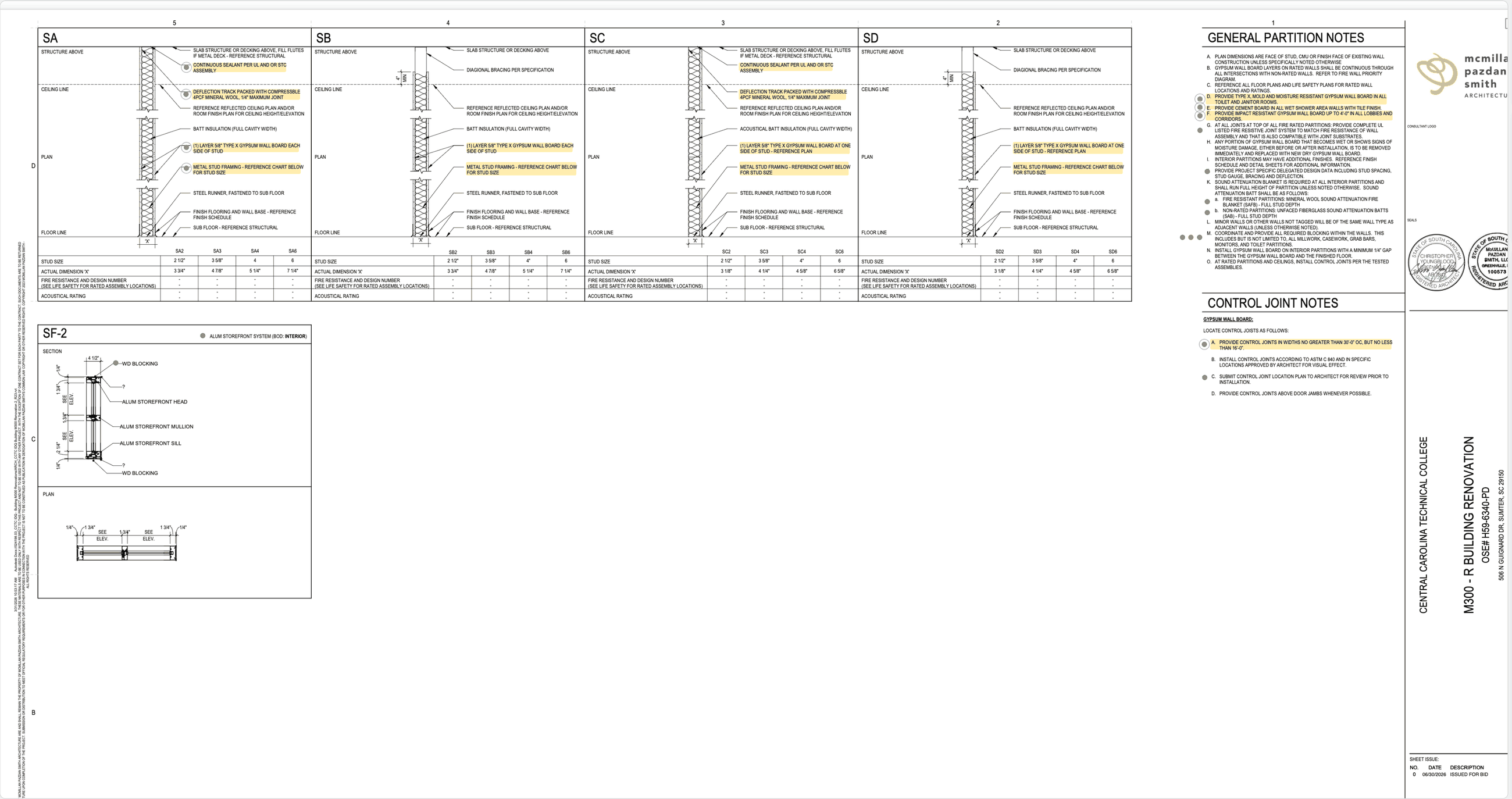
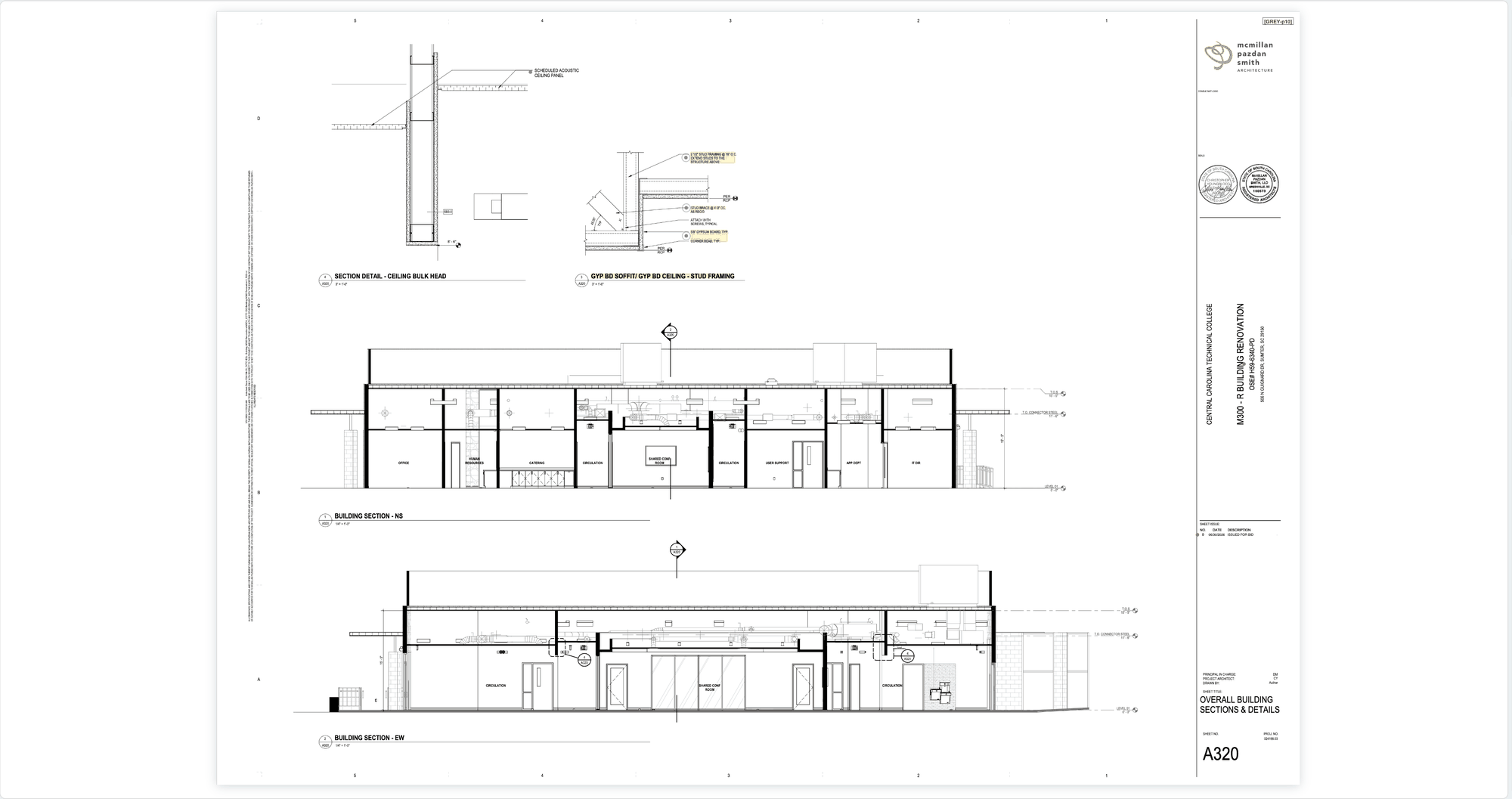
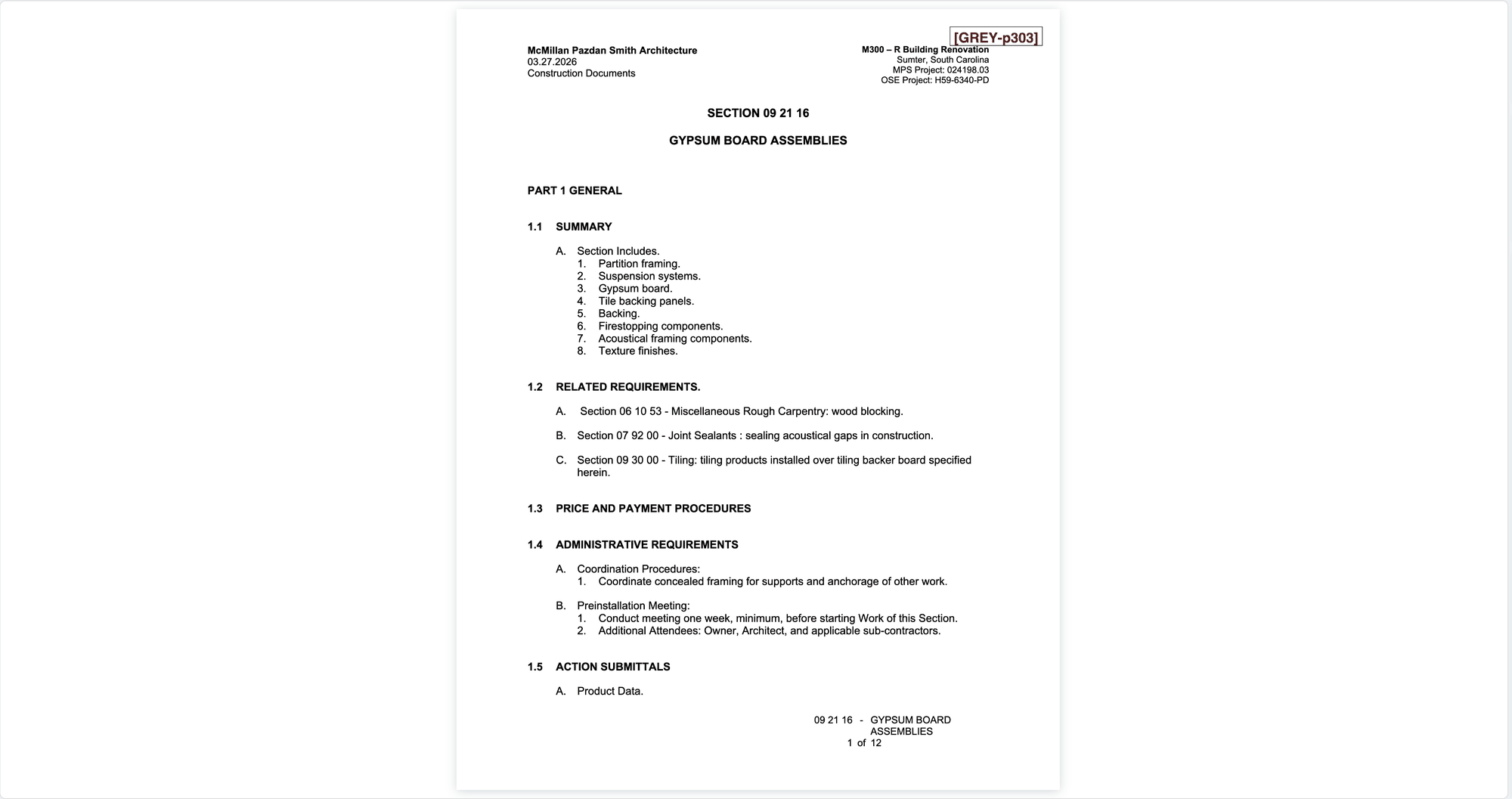

Built for review
The tools you actually need mid-takeoff
01Shape the scope
Make the scope read the way your team writes it.
MergeCombine individual items — or whole packages — into one line when the same work is called out more than once.
PackagesScope is grouped into packages by the software, and you can add to or remove from any package yourself.
EditRewrite any item — description, wording, detail — so the scope reads the way your team writes it.
MoveSomething landed in 03 that belongs in 05? Move it to another division and the counts follow.
02Move through the set
Get to the right page without losing your place.
OpenToggle back and forth between the scope list and the drawing without losing your place.
Scope / Drawing orderIn walkthrough, review items in drawing order or in scope order — whichever way you work a set.
Text searchSearch across every document in the project — all of it OCR’d when it was processed.
Read (RSVP)Read long passages one word at a time — fast way through specifications and spec-heavy drawing pages.
03Keep track
Know what’s handled and what still needs you.
Included & excludedEvery spatially matched item ends up included or excluded — so nothing sits unaccounted for.
NotesAvailable from every window. Jot exclusions, questions, and reminders so you can recall them later.
Refresh a packageRe-reads every item in a package and rewrites the package scope sentence to reflect what you’ve added or removed.
Packages / ItemsShow every item, or packages plus the items that don’t belong to one. Works in both walkthrough and scope.
Two sides of the set
Whether you bid one trade or the whole job
Subcontractors review their trade — or up to five — in depth. General contractors run the whole set across all 35. Same engine, sized differently.
Subcontractor
One trade, in depth
Review a single CSI division per project. Built for solo subs and shops that bid their trade and need the scope right the first time.
Trade
$59
Trade Pro
$119
Trade Pro +
$229
General Contractor
The whole set
Run all 35 divisions on every project, with the volume and storage a busy pre-construction desk needs.
Builder
$359
Builder Pro
$719
Builder Pro +
$1,079
Projects are usage-based — a bigger set or more divisions draws a little more. Estimate your usage →
Prices shown exclude sales tax. Tax is calculated at checkout where applicable.
Prices shown exclude sales tax. Tax is calculated at checkout where applicable.